Which iPads Have LiDAR? Full List & What It's Actually For | TOP 3D MODELER
LiDAR is the most misunderstood spec in the iPad lineup — half the internet thinks you need it for any 3D work. You don't. Here's the full list of models that have it, and when it genuinely earns its keep.
The complete LiDAR iPad list
Every iPad ever released with a LiDAR scanner — it's a short list, and all of them are iPad Pro:
| iPad | Year |
|---|---|
| iPad Pro 12.9" (4th gen) | 2020 |
| iPad Pro 11" (2nd gen) | 2020 |
| iPad Pro 12.9" (5th gen, M1) | 2021 |
| iPad Pro 11" (3rd gen, M1) | 2021 |
| iPad Pro 12.9" (6th gen, M2) | 2022 |
| iPad Pro 11" (4th gen, M2) | 2022 |
| iPad Pro 11" & 13" (M4) | 2024 |
| iPad Pro 11" & 13" (M5) | 2025 |
Not on the list: every iPad Air (including M4), every iPad mini, every base iPad. The sensor lives next to the rear camera — small dark circle under the main lens on Pro models.
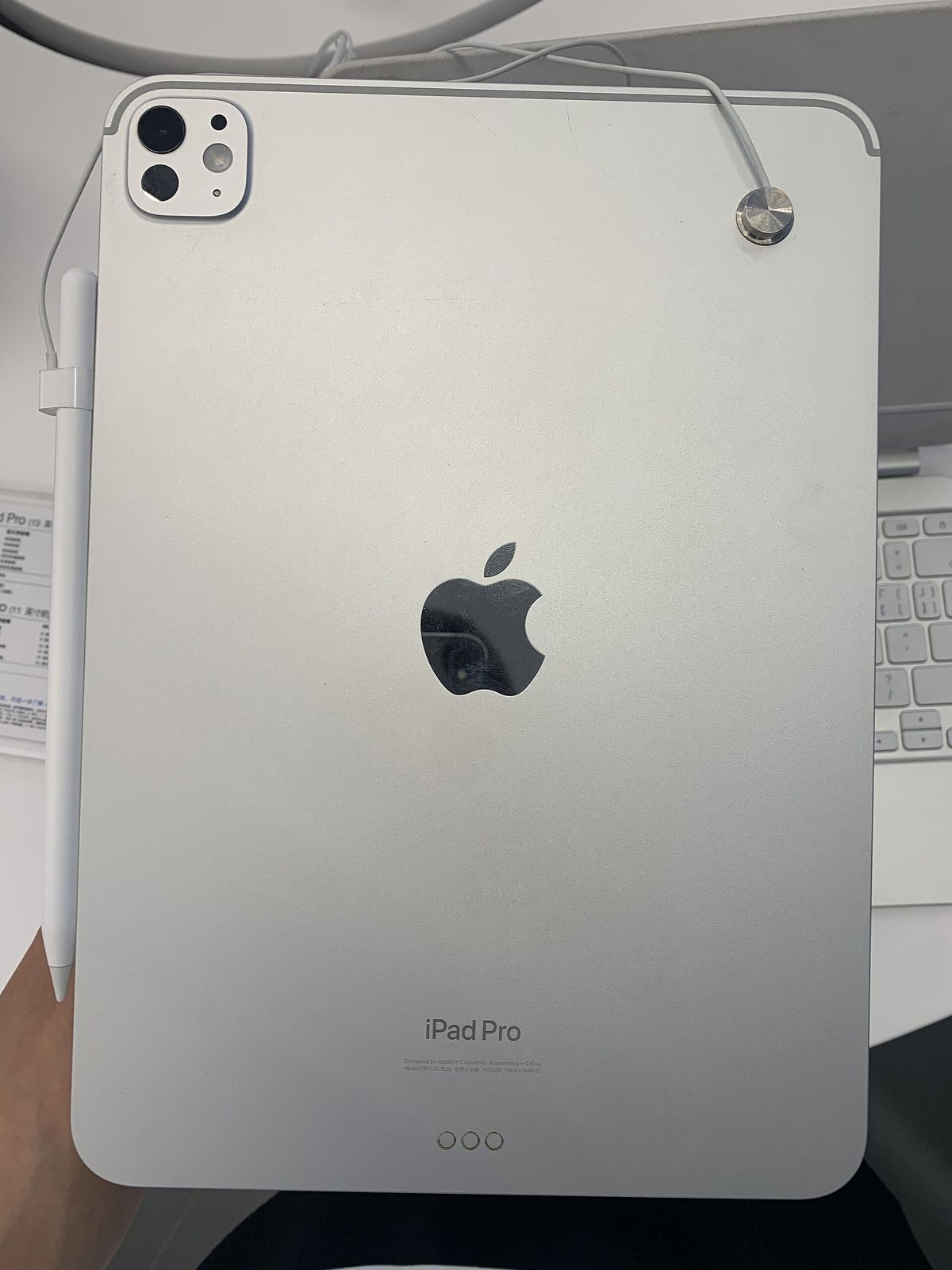
What LiDAR actually does
It fires infrared laser pulses and times their return — building a live depth map up to ~5 meters. In practice on iPad that means:
- Instant room/space scanning — floor plans, measurements, AR occlusion (objects hidden behind real furniture)
- Faster, lower-light object capture than cameras alone
- Better AR anchoring — virtual objects that stay put and interact with real surfaces
What it does not do: help you sculpt, model or edit meshes. Zero impact on Nomad, Shapr3D or Forma3D modeling sessions.
LiDAR vs photogrammetry — the honest comparison
| LiDAR depth scan | Photogrammetry (photos) | |
|---|---|---|
| Hardware | iPad Pro only | Any iPad/iPhone/Android |
| Best at | Rooms, large objects, low light | Small detailed objects, textures |
| Detail quality | Lower mesh detail, fast | Higher texture/detail with good photos |
| Apps | Polycam, 3D Scanner App, AR tools | Polycam, Object Capture (Forma3D), RealityScan |
For scanning a room to plan a print farm or capture an as-built space, LiDAR is dramatically faster. For scanning a figurine to remix and print, a careful photogrammetry pass on any iPad often produces better texture detail — LiDAR's value is speed and scale, not magic.
Which apps actually use the LiDAR iPad scanner
- Polycam — the benchmark LiDAR scanning app (works via photogrammetry elsewhere too)
- 3D Scanner App — exports room/object scans as meshes
- Forma3D — uses Apple's Object Capture/photogrammetry to turn photo sets into USDZ meshes for printing (works without LiDAR, benefits from it)
- Measure / AR apps — instant dimensions and placement
Buy a Pro for LiDAR only if scanning is a weekly workflow. For everyone else, the money is better spent on RAM/storage or a Pencil Pro — photogrammetry covers occasional scans on any iPad. Check our iPad buying guide for the full picture.
FAQ
Does the iPad Air or iPad mini have LiDAR?
No. LiDAR has never shipped on iPad Air, iPad mini or base iPad models — it remains an iPad Pro exclusive (and iPhone Pro/Pro Max on the phone side).
Do I need LiDAR to 3D-scan objects?
No — photogrammetry apps like Polycam or Apple's Object Capture rebuild objects from ordinary photos and work on any iPad. LiDAR helps with speed, low-light capture and room-scale scanning, but it's not required.
Is LiDAR worth paying extra for?
If room scanning, AR measurement or frequent object capture is core to your work — yes, get a Pro. For modeling, sculpting and occasional scans, photogrammetry on a cheaper iPad covers it.
Keep reading