Best iPad for 3D Modeling in 2026: Pro, Air, mini or Base? | TOP 3D MODELER
Every current iPad can run 3D modeling apps — but the gap between a $349 iPad and a $999 iPad Pro is very real once your sculpt hits a few million polygons. Here's what actually matters and which model is worth your money.
Quick picks
| iPad | Why it wins | From |
|---|---|---|
| iPad Pro 11" (M5) | Best overall — 12–16GB RAM, XDR display, LiDAR | $999 |
| iPad Air 11" (M4) | Best value — same Pencil Pro support, 12GB RAM | $599 |
| iPad mini (A17 Pro) | Best portable — full sculpting in one hand | $499 |
| iPad (A16) | Best budget — fine for learning and CAD | $349 |
| iPad Pro M4 (refurb) | Flagship features at a discount | ~$750 |
What actually matters for 3D modeling
Marketing pushes screen size and thinness. For 3D work, four specs do the real work:
- RAM — the ceiling on complexity. Sculpting apps keep the entire high-res mesh in memory. With 8GB you'll start hitting limits around a few million polygons with layers enabled; 12–16GB roughly doubles your comfortable scene size. For mesh editing, CAD and print-prep apps, 6–8GB is genuinely fine.
- Apple Pencil support. Pressure and tilt are not optional extras in a sculpt app — they're the difference between drawing and modeling. The Pencil Pro (supported by Pro M4/M5, Air M2/M3/M4, mini A17 Pro) adds squeeze gestures and barrel roll. The USB-C Pencil has no pressure sensitivity at all.
- Chip. Any M-series or A16+ chip runs every modeling app well. M5 buys you headroom for huge sculpts, Object Capture scanning and rendering; it does not make a cheap iPad bad.
- LiDAR. Only relevant if you want to scan objects/rooms into meshes. It's exclusive to iPad Pro. Photogrammetry apps (Polycam, Object Capture-based tools) work on any iPad without it — LiDAR is faster and better at scale, not a requirement.
Storage deserves a mention: buy 256GB minimum. High-poly sculpts, USDZ scans and print archives eat space, and there's no upgrade path later.
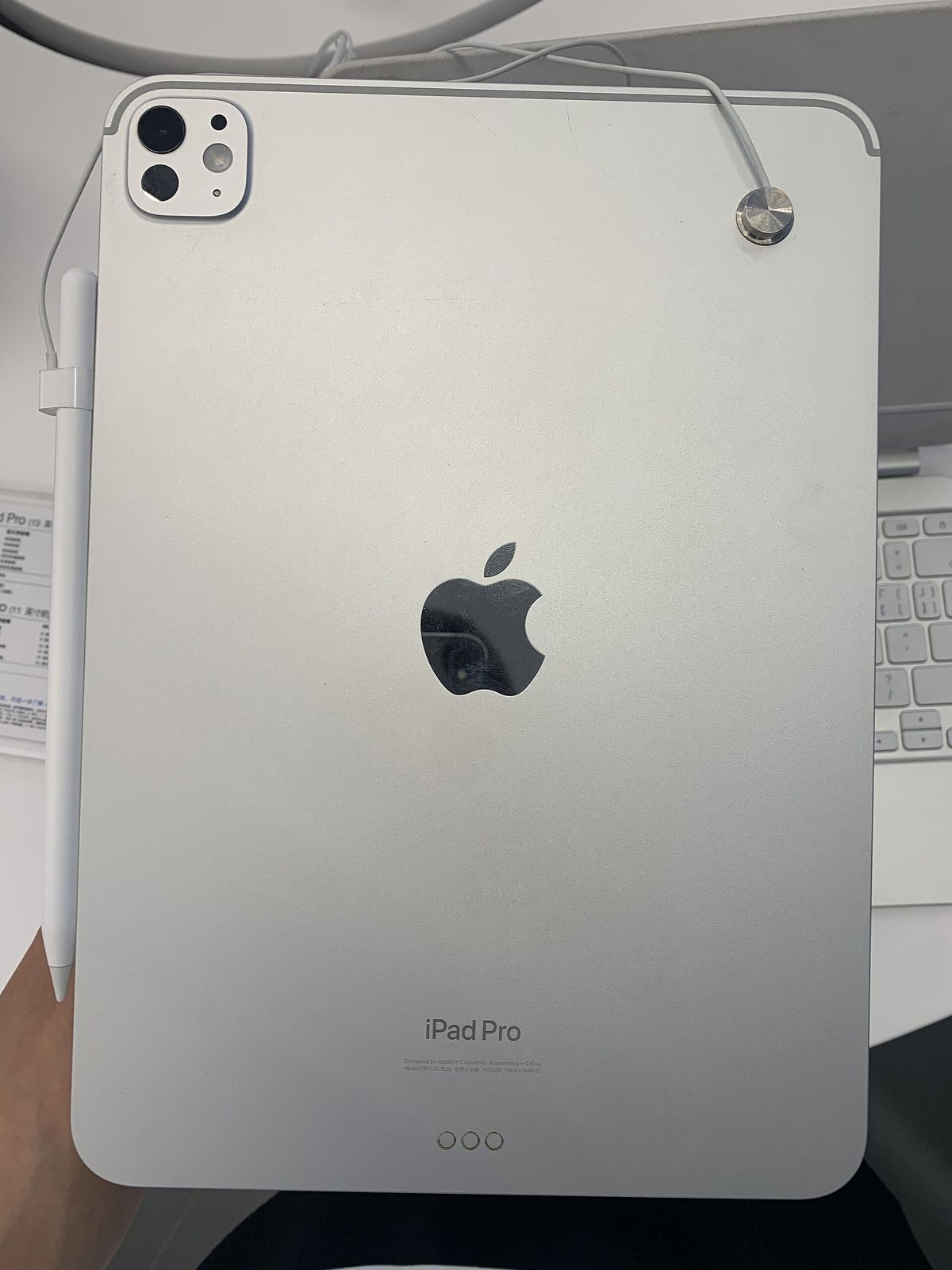
iPad Pro M5 (11" / 13") — best overall
The 2025 iPad Pro is the safe choice if 3D is your main use. The M5 chip with 12GB of unified memory (16GB on 1TB/2TB models) handles the heaviest sculpts ZBrush and Nomad Sculpt can throw at it — ZBrush for iPad is rated for up to ~90M polygons on newer hardware. The tandem OLED Ultra Retina XDR display is the best screen in the lineup for judging form and shading, and 120Hz ProMotion keeps sculpt strokes feeling immediate.
LiDAR is the other reason to pay for Pro: if scanning real objects into printable meshes is part of your workflow, this is the only iPad that has it.
Skip it if: you mostly do CAD-style modeling or STL repair — an Air does that identically for $400 less.
iPad Air M4 (11" / 13") — best value for most people
The 2026 Air is the sweet spot: M4 chip, 12GB of RAM — the same as the entry Pro — plus full Apple Pencil Pro support. In sculpting terms it gives you almost everything the Pro does: big enough memory headroom for serious Nomad scenes, fast chip, great Pencil.
What you lose: the XDR display (the Air's LCD is still good, just 60Hz and less contrast), LiDAR, Face ID, and the top-tier CPU cores. None of those affect modeling much.
Our pick for most readers. Put the $400 difference toward a Pencil Pro and a couple of paid apps.
iPad mini (A17 Pro) — the couch sculpting machine
Don't let the 8.3" size fool you: the A17 Pro with 8GB RAM runs Nomad Sculpt, Forma3D and ZBrush for iPad comfortably, and it takes the Pencil Pro. For sketching forms on the couch, reviewing models on the go, or as a second screen next to a desktop, it's brilliant.
The limits are real though: smaller canvas for complex scenes, 8GB ceiling, and no LiDAR. As a primary 3D machine we'd rather have an Air — but as a portable companion, nothing else comes close.
iPad (A16) — the honest budget pick
At $349, the base iPad runs every app in this article — CAD tools like Shapr3D, mesh editors like Forma3D, even Nomad Sculpt for moderate sculpts. The catch: it supports only the USB-C and 1st-gen Pencils, so no pressure sensitivity — which kneecaps sculpting specifically.
If your 3D work is CAD, print-prep, STL repair or learning the basics, it's perfectly adequate. If you want to sculpt, save up for at least a mini — the Pencil Pro alone is worth it.
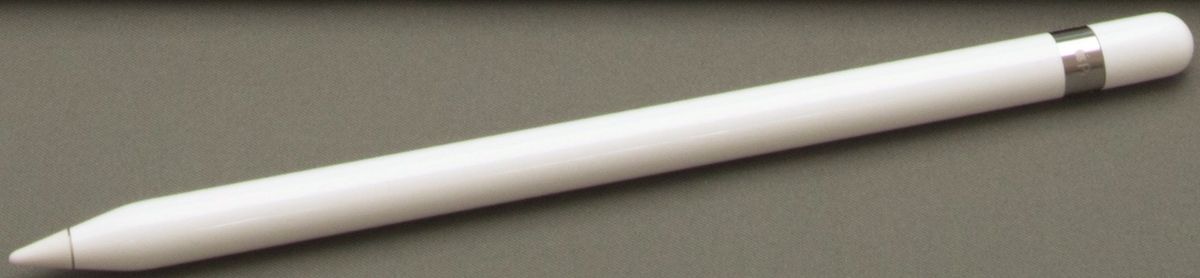
Should you buy a refurbished iPad Pro instead?
An iPad Pro M4 (2024) refurb hovers around $700–800: tandem OLED, LiDAR, Pencil Pro, and 8GB RAM on the 256/512GB models (16GB on 1TB+). Versus the new Air you trade 4GB of RAM for a far better display and LiDAR — a good deal if you scan objects or want the flagship screen. Older M2 Pros (2022) go cheaper still and remain fully capable.
Avoid anything older than 2020 Pros — they're approaching end of iPadOS support and several apps (ZBrush, CozyBlanket Pro) now demand newer hardware.
Match the iPad to your app
| Your workflow | Minimum iPad | Ideal iPad |
|---|---|---|
| Sculpting (Nomad, ZBrush) | mini A17 Pro | Pro M5 or Air M4 |
| CAD (Shapr3D, Onshape) | iPad A16 | Air M4 13" |
| Mesh editing / STL repair (Forma3D, Blender-style tools) | iPad A16 | Any — size is preference |
| 3D scanning objects | Any iPad (photogrammetry) | Pro M5 (LiDAR) |
| Learning / kids | iPad A16 | iPad A16 |
Most people should buy the iPad Air 11" M4 + Pencil Pro ($599 + $129). It runs every serious 3D app with real headroom. Go Pro M5 if you need LiDAR scanning or the biggest sculpts; go mini if portability beats canvas size; go A16 only if sculpting isn't the goal.
Not sure which apps to install first? See our ranked list of the best 3D modeling apps for iPad, or the broader tablet comparison including Android and Windows options.
FAQ
Is 8GB of RAM enough for 3D modeling on iPad?
For CAD-style modeling, mesh editing and moderate sculpting — yes. For heavy digital sculpting in Nomad Sculpt or ZBrush with multi-million-polygon meshes, 12–16GB makes a visible difference: higher decimation ceilings, more layers, fewer crashes.
Do I need LiDAR for 3D modeling?
Only if you plan to 3D-scan rooms or objects. LiDAR exists on iPad Pro models only (2020 and newer). For modeling itself it does nothing — and photogrammetry scanning works without it anyway.
Can an iPad replace a desktop for 3D work?
For sculpting, CAD sketching, mesh repair and print prep — largely yes. For heavy rendering, simulation, animation and big game-ready pipelines you still want a desktop with Blender or similar.
How much storage do I need for 3D files?
256GB is the practical minimum. Scans, high-poly sculpts and 3MF print archives grow fast, and iPad storage can't be upgraded later.
Apple Pencil Pro or USB-C Pencil?
For sculpting, get the Pencil Pro — pressure, tilt, squeeze and barrel-roll support genuinely change brush control. The USB-C Pencil lacks pressure sensitivity, which is a real limitation for sculpt apps.
Keep reading