Best Tablets for 3D Modeling in 2026 (iPad, Android, Windows) | TOP 3D MODELER
The honest answer upfront: iPad owns mobile 3D modeling. But Android and Windows tablets each have a lane — here's how to pick the right one for yours.
Quick picks
| Tablet | Best for | Price from |
|---|---|---|
| iPad Pro M5 | Sculpting, scanning, everything | $999 |
| iPad Air M4 | Best all-round value | $599 |
| Galaxy Tab S10+ / S9 | Android sculpting (Nomad) | ~$750 |
| Surface Pro 12 / 11 | Full desktop apps (Blender, ZBrush) | ~$800 |
| iPad (A16) | Budget entry | $349 |
The platform question comes first
Unlike phones or laptops, your tablet OS decides your software catalog — and the 3D catalogs differ wildly:
- iPadOS has the deepest bench by far: Nomad Sculpt, Shapr3D, ZBrush for iPad, Forma3D, uMake, Onshape, SketchUp, Valence 3D, Polycam, CozyBlanket Pro. If an indie dev builds a mobile modeling app, it ships on iPad first — often only.
- Android gets Nomad Sculpt (full version) and Prisma3D, plus viewers and STL checkers. That's about it for serious modeling — no ZBrush, no Shapr3D, no native CAD staples.
- Windows tablets run the actual desktop apps: full Blender, ZBrush, Fusion 360, Solidworks-adjacent tools. Maximum software power, minimum tablet comfort — heavy, fans, battery drain, and pen UX designed for desktop windows.
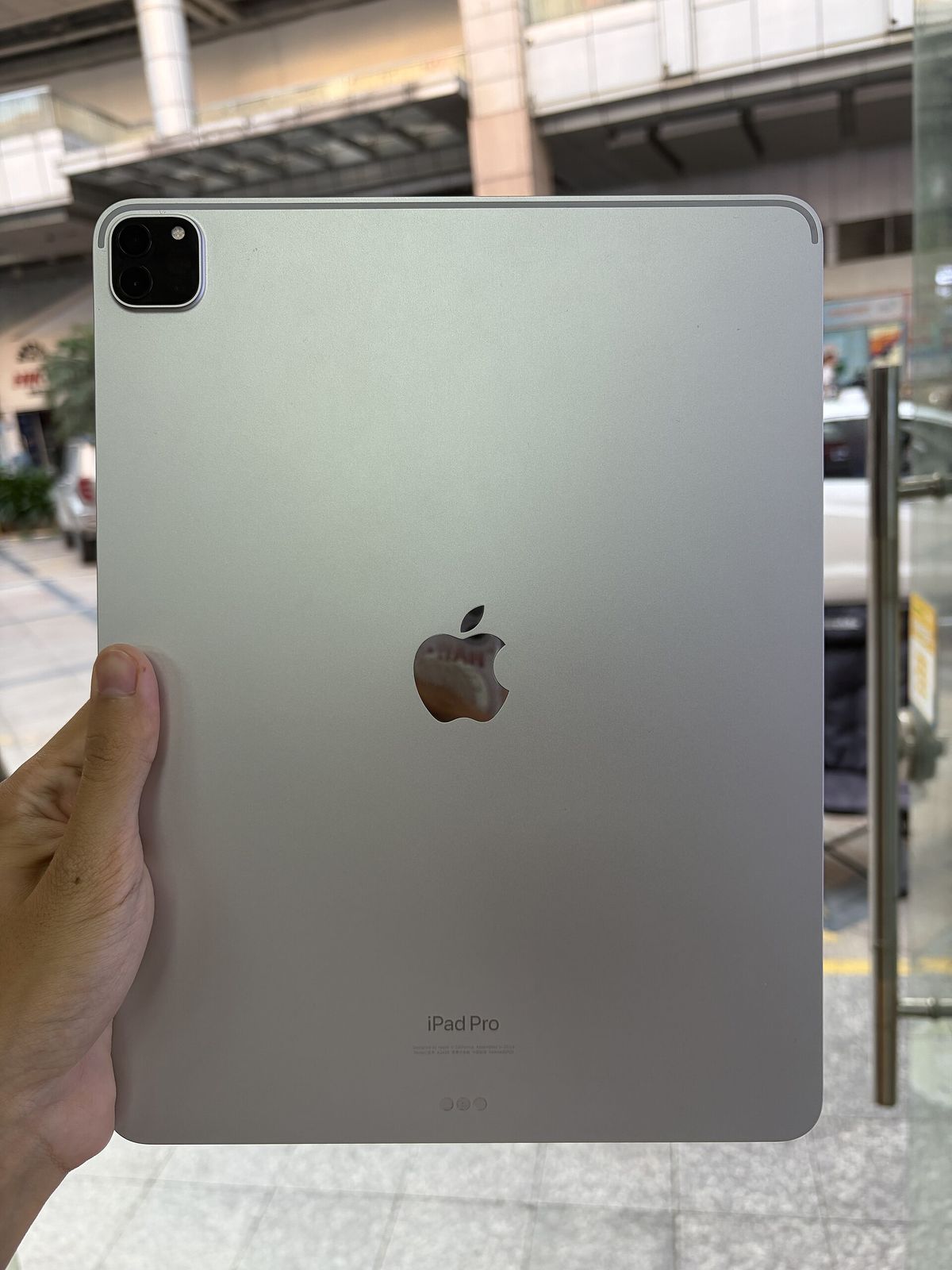
iPad — the default choice
Covered in depth in our best iPad for 3D modeling guide, but the summary: the Air M4 is the value sweet spot (M4 + 12GB RAM + Pencil Pro for $599), the Pro M5 for heavy sculpts and LiDAR scanning, and the base A16 iPad as the cheap entry that runs everything except Pencil Pro.
Where iPad falls short: no full desktop-class software (no real Blender, no full ZBrush desktop pipeline — the iPad ZBrush is a capable but separate product), and file management remains fussier than a PC for big project libraries.
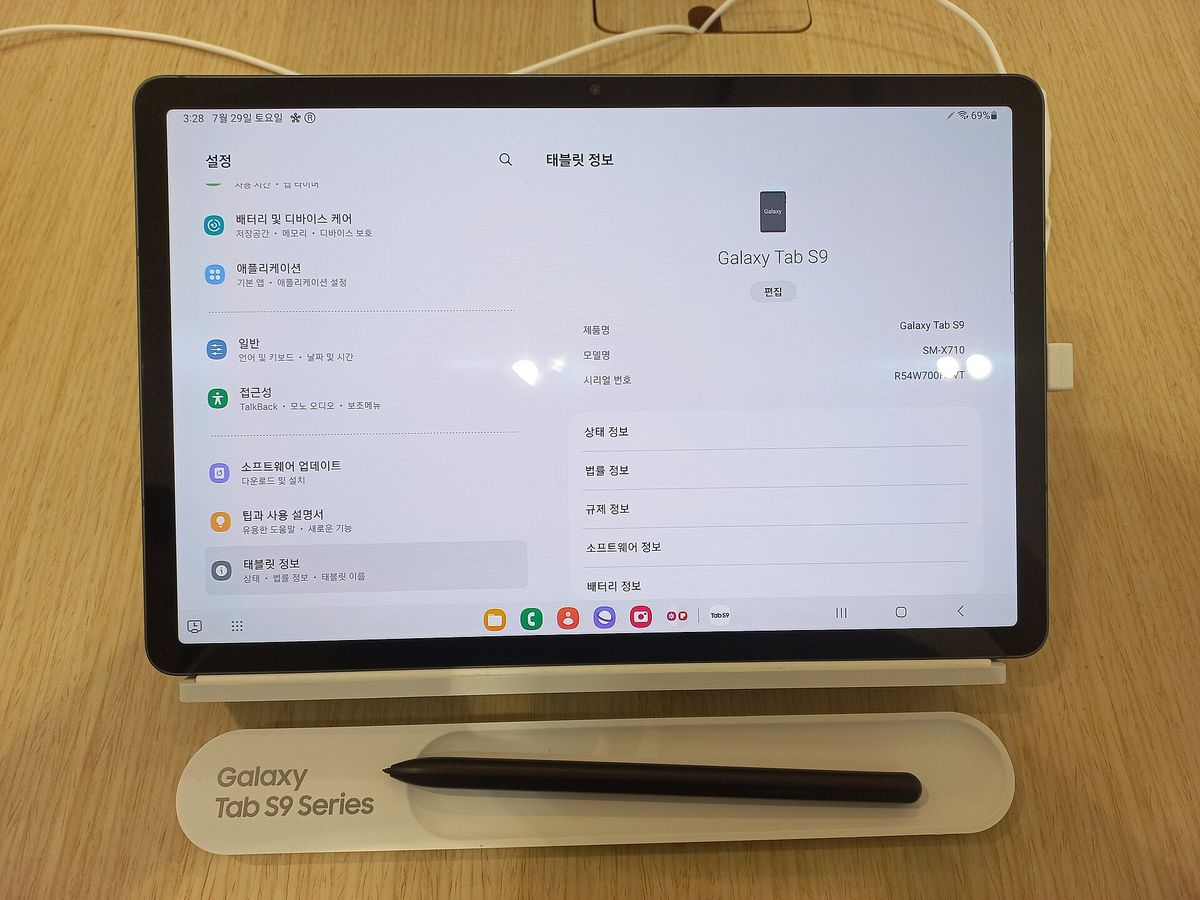
Galaxy Tab S-series — the only Android worth it
If you're in the Android world, get a Galaxy Tab S model (S9, S10 or newer): AMOLED display, Snapdragon flagship chip, and the S Pen is included in the box — a real cost advantage over Apple's $129 Pencil Pro.
What you can run well:
- Nomad Sculpt — full feature parity with iOS, the killer Android 3D app
- Prisma3D — free, modeling + simple animation, huge user base
- Viewers/repair tools, plus remote-desktop streaming of desktop Blender in a pinch
What you can't: essentially the entire iPad-native catalog. For sculpting-only users, a Tab S9 + Nomad at ~$600 total is a legitimately good deal. For anything else, the software gap hurts.
Surface Pro — when you need real desktop apps
A Surface Pro 11/12 (Snapdragon X or Intel) is a PC in tablet clothing: it runs full Blender, desktop ZBrush, Fusion 360, Rhino, and every Windows slicer. If your work needs tools that simply don't exist on iPad — heavy retopology, simulation, rendering pipelines — this is the tablet-shaped answer.
The trade-offs are the usual ones: ~$800+ before the $130 Surface Slim Pen, heavier than an iPad, fan noise under render loads, and a pen experience designed for mouse-first software. Sculpting in desktop ZBrush with a pen works, but it's clunkier than Nomad's touch-first UI.
Rule of thumb: need desktop apps → get a Surface (or honestly, a laptop). Want touch-first sculpting/modeling → get an iPad.
Budget and niche options
- Base iPad A16 ($349) — runs the whole iPad catalog; only sculpting suffers from the missing pressure-sensitive Pencil.
- Older Galaxy Tab S7+/S8 used — still runs Nomad fine, often under $350.
- Wacom/drawing displays — not tablets, but if you have a desktop, a $250 pen display + Blender beats any tablet for serious sculpt work.
- Chromebooks / cheap Android tablets — skip for 3D; weak GPUs and the same thin app catalog.
Buy an iPad Air M4 unless you have a specific reason not to. It has the apps, the stylus, and the performance for everything short of desktop pipelines. Android only makes sense for Nomad-only sculpting on a budget; Surface only when you genuinely need full desktop software.
Next step: the best 3D modeling apps for iPad — or, if you're just starting out, our beginner's guide to 3D modeling on a tablet.
FAQ
Can you do real 3D modeling on an Android tablet?
Yes, within limits. Nomad Sculpt has a full-featured Android version, and Prisma3D covers modeling plus basic animation. But there's no Android Shapr3D, ZBrush or Forma3D — the catalog is much thinner than iPad.
Is a Surface Pro better than an iPad for 3D?
Different tools, not better. A Surface runs full desktop Blender, ZBrush, Fusion 360 and Rhino — more powerful software, but heavier, pricier, and touch/pen UX is worse than iPad's native apps.
What's the cheapest tablet for learning 3D modeling?
The base iPad (A16) at $349 or a mid-range Galaxy Tab around $400–500. Both run the main apps on their platforms; add a pressure-sensitive stylus for sculpting.
Do I need the stylus for 3D modeling?
For CAD and mesh editing — optional but nice. For sculpting — effectively mandatory. Check stylus compatibility before buying: Apple Pencil Pro doesn't work on base iPads, S Pen is bundled with Galaxy Tab S models.
Keep reading